TL;DR
Kitchen remodels average $26,990 in 2026, so the design phase shouldn’t inflate that number. You have three paths to free kitchen design: DIY software tools (IKEA Planner, SketchUp, Sweet Home 3D), AI visualization apps (Remodel AI, REimagineHome), and complimentary professional design services from retailers or local cabinet suppliers. DIY tools and AI apps are great for early inspiration but don’t produce construction-ready plans. The highest-value free option is professional design from a cabinet supplier, where you get 3D renderings and files that can actually be built.
With professional kitchen remodels running between $14,590 and $41,620 according to Angi’s 2026 data, and kitchen designers charging $65 to $250 per hour, spending hundreds or thousands on design alone feels unnecessary. Especially when genuinely free alternatives exist.
But “free” means different things depending on where you look. Some tools let you drag and drop cabinets in a browser. Others use AI to reimagine your kitchen from a phone photo. And some local cabinet suppliers offer complimentary professional design, complete with 3D renderings and construction-ready plans, at no cost and no obligation.
This guide compares all 10 options honestly, including what’s actually free, what’s freemium bait, and what produces output you can hand to a contractor.
Is There a Truly Free Kitchen Design Tool?
Yes. Several kitchen design tools offer free versions, including IKEA Kitchen Planner, Sweet Home 3D, and SketchUp Free. AI tools such as Remodel AI and REimagineHome also offer limited free design generations, while some cabinet suppliers and home improvement retailers provide complimentary professional design consultations.
The best option depends on your goal. Use DIY software to experiment with kitchen layouts, AI tools to explore colors and styles, and professional design services when you need accurate cabinet specifications and plans for construction. Always check free-plan restrictions before committing to a tool.
Before you design anything, though, accurate measurements are non-negotiable. Even the best tool produces garbage if your dimensions are wrong. Our step-by-step measurement guide covers exactly how to do this right.
Free Kitchen Design Tools and Services Compared
Tool or service | Best for | Free access | Main output | Main limitation |
|---|---|---|---|---|
IKEA Kitchen Planner | Planning an IKEA kitchen | Free | 2D/3D layout and IKEA product list | Limited to IKEA products |
Planner 5D | Beginner-friendly room planning | Free tier | 2D floor plans and 3D visualization | Some features and catalog items require payment |
Sweet Home 3D | Desktop kitchen planning | Free, open-source software | Floor plans and 3D previews | Less polished interface and rendering |
SketchUp Free | Custom 3D modeling | Free web version | Flexible 3D models | Steeper learning curve |
Homestyler | Exploring colors and finishes | Free basic tier | 3D room designs and visualizations | Some rendering and export features may cost extra |
HomeByMe | Realistic kitchen visualizations | Limited free plan | 3D designs and rendered images | Limited projects and rendering credits |
Remodel AI | Redesigning an existing kitchen photo | Limited free generations | AI-generated style concepts | Not dimensionally accurate |
REimagineHome | Exploring alternative kitchen styles | Limited free designs | AI-generated room concepts | Not suitable for construction planning |
Lowe’s or Home Depot design services | Retailer-based kitchen planning | Complimentary services may be available | Design consultation and product recommendations | Scope and deliverables vary by location |
Local cabinet supplier design services | Planning a real cabinet installation | Complimentary services may be available | Potentially detailed cabinet layouts and 3D renderings | Terms, file access, and deliverables vary by supplier |
Important: Free plans, credit allowances, software features, and consultation terms can change. Verify the current offering on each provider’s official website. Ask professional designers whether their service includes dimensioned plans, cabinet schedules, editable files, and a final design before ordering.
Quick recommendation: Choose Sweet Home 3D if you want free desktop planning software, IKEA Kitchen Planner if you are buying IKEA cabinets, SketchUp Free if you need flexible 3D modeling, and an AI kitchen design tool if you mainly want visual inspiration. If you are preparing to order cabinets, compare complimentary professional design services and confirm exactly what plans they provide.
Which Free Kitchen Design Tool Is Best for You?
The best free kitchen design tool depends on whether you need a floor plan, a realistic visualization, or a design you can use to plan a renovation.
Your goal | Best starting point | Why |
|---|---|---|
Create a kitchen layout without paying | Sweet Home 3D | Free, open-source desktop software |
Design a kitchen using IKEA cabinets | IKEA Kitchen Planner | Uses IKEA’s own products and planning system |
Customize a kitchen in 3D | SketchUp Free | Flexible modeling without being restricted to one cabinet brand |
Experiment with countertops, colors, and finishes | Homestyler | Helps visualize different material combinations |
See a redesigned version of your current kitchen | Remodel AI or REimagineHome | Generates style concepts from photos |
Create realistic room images | HomeByMe | Focuses on detailed 3D visualization and rendering |
Prepare for a cabinet purchase | A professional cabinet designer | Can help coordinate measurements, cabinet specifications, and product availability |
Compare retailer-based design options | Lowe’s or Home Depot | Convenient if you intend to shop for products and services through the retailer |
Before choosing, check whether the free version supports the features you need. Some tools restrict product catalogs, image exports, rendering credits, or project storage.
Remember that a realistic-looking kitchen image is not necessarily an accurate floor plan. If you intend to order cabinets or begin construction, have the dimensions and specifications checked by a qualified professional.
What Does Free Kitchen Design Actually Include?
Not every free kitchen design option provides the same deliverables. Some let you create a visual concept, while others offer a professional consultation that may include cabinet layouts, product selections, and detailed plans.
There are three main types of free kitchen design:
1. Free design software
DIY software lets you draw a floor plan, arrange cabinets and appliances, and preview your kitchen in 2D or 3D. It is useful for testing layouts and communicating ideas, but it may not generate accurate cabinet specifications or construction documents.
2. Free AI kitchen design
AI tools transform a photo of your existing kitchen into a different style or appearance. They are useful for exploring cabinet colors, countertops, backsplashes, and overall aesthetics. However, generated images should not be treated as dimensionally accurate plans.
3. Complimentary professional design services
Cabinet suppliers and home improvement retailers may offer design consultations at no upfront cost. Depending on the provider, the service may include a measured layout, product recommendations, 3D renderings, and cabinet specifications.
Before accepting a free professional design, ask whether the service includes:
A dimensioned floor plan and cabinet layout
Cabinet sizes, fillers, spacers, and trim specifications
Appliance clearances and relevant installation requirements
3D renderings showing the proposed design
A cabinet or materials quote
Digital files or documents you can share with your contractor
Any purchase requirements, revision limits, or other conditions
The most useful option is the one that provides the right deliverables for your stage of the project, not simply the one with the most attractive free offer.
Free Kitchen Design Options at a Glance
Option | Type | Cost | Best For | 3D Rendering | Construction-Ready Plans? |
|---|---|---|---|---|---|
Local Cabinet Supplier Design | Professional Service | Free | Serious remodelers | High (2020 Design) | Yes |
IKEA Kitchen Planner | DIY Software | Free | IKEA shoppers | Basic 3D | No |
Planner 5D | DIY Software | Free / $19.99/mo Premium | Quick visualization | Good 3D | No |
Sweet Home 3D | DIY Software | Free (open source) | Budget-conscious users | Basic 3D | No |
SketchUp Free | DIY Software | Free / $19.99/mo paid | 3D modeling enthusiasts | Professional-grade | No |
Homestyler | DIY Software | Free basic | Material/finish exploration | Good 3D | No |
HomeByMe | DIY Software | Free (limited) | Photorealistic renders | Excellent 3D | No |
Remodel AI | AI Tool | 3 free redesigns | Style exploration from photos | AI-generated | No |
REimagineHome | AI Tool | 5 free designs | Quick style ideas | AI-generated | No |
Big-Box Store Design (Lowe’s/Home Depot) | In-Store Service | Free | Convenient one-stop shopping | Varies | Sometimes |
Free Professional Kitchen Design from a Local Cabinet Supplier
1. Local Cabinet Supplier Design Service (Recommended)
Best for: Anyone serious about actually executing a kitchen remodel
This is the option that no one writing about free kitchen design seems to mention, which is strange because it’s arguably the most valuable.
Trade-focused cabinet suppliers often provide complimentary kitchen design as a standard part of their service. This isn’t a hobbyist tool running in your browser. It’s professional-grade output from designers using industry-standard software like 2020 Design, working with actual product catalogs matched to available inventory.
What you typically get:
Professional 3D renderings that show your exact kitchen with real products
Construction-ready plans that translate directly to purchase orders
Accurate cabinet specifications including filler pieces, spacers, and trim
Designs that account for the work triangle, appliance clearances, and plumbing placement
Files your contractor can actually use on the job
Why this matters more than DIY tools: A professional designer catches measurement errors, plans for cabinet filler pieces between walls and appliances, and ensures your layout functions correctly for daily cooking. Human designers bring understanding of functionality, ergonomics, and lifestyle needs. They also anticipate architectural or logistical challenges that digital tools simply overlook.
As one industry source noted, the in-store designer’s professional 2020 Design software knows the exact specs of every cabinet a supplier sells, something no consumer-facing tool can match.
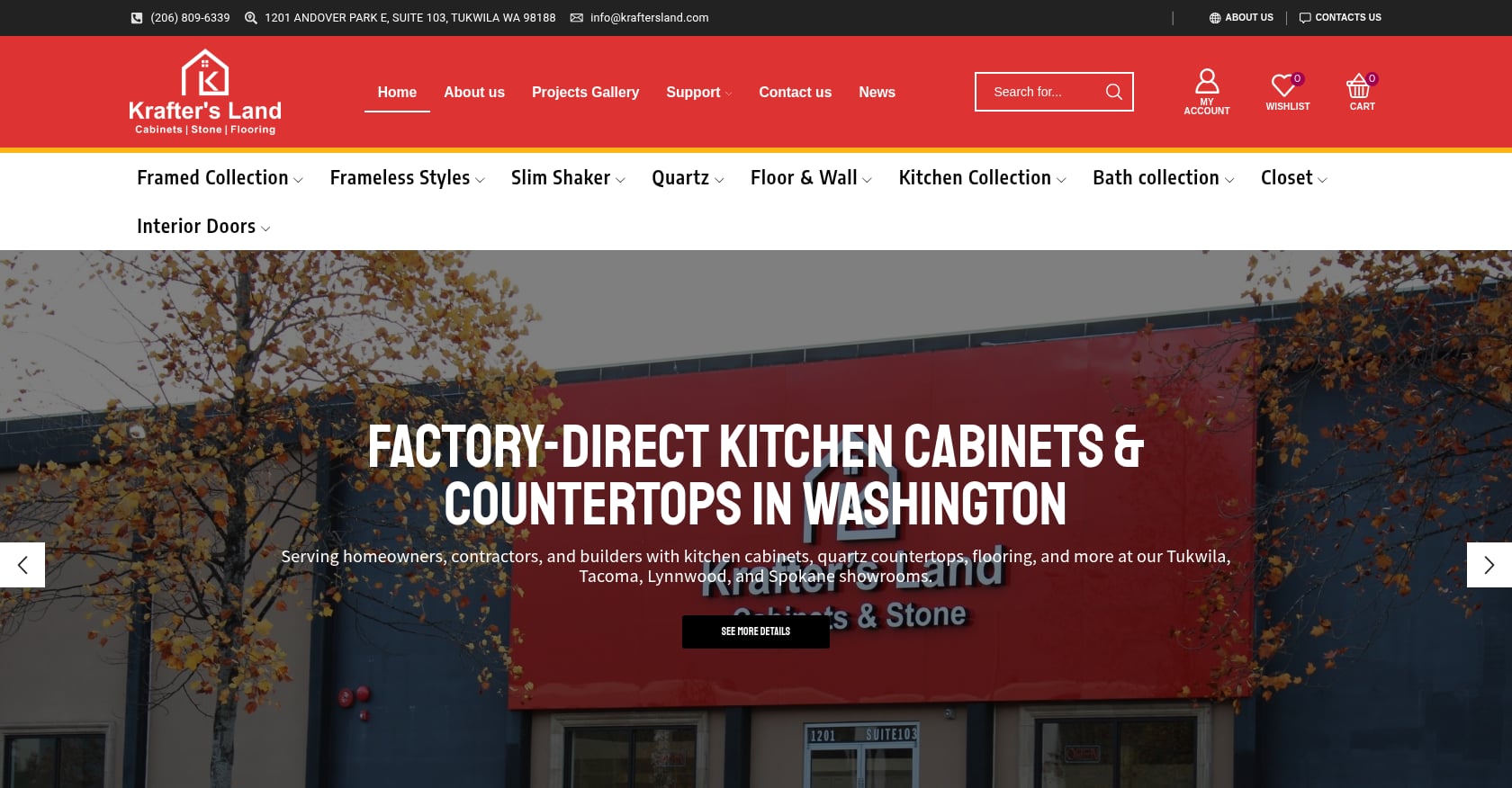
Krafter’s Land offers free design and quotes with 2020 Design files and a project preview tool. This includes professional 3D renderings and construction-ready plans. With showrooms in Tukwila, Tacoma, Lynnwood, and Spokane, you can walk in, see products in person, and design in a single visit. There’s no obligation to buy.
Whether you’re deciding between framed and frameless cabinet styles or trying to nail down what a full kitchen will cost, starting with professional design gives you a clear picture.
Explore Seattle-area cabinet showrooms →
Best Free Kitchen Design Software (DIY Tools)
These tools let you build a virtual kitchen layout from scratch. They’re best for exploring ideas early in the process, not for producing final cabinet orders.
A common theme on forums: practitioners on Reddit and sites like TractorByNet consistently note that none of these tools are as easy to use as advertised and will require more learning time than you might expect.
1. IKEA Kitchen Planner
Best for: Beginners testing basic layouts with IKEA products
Price: Completely free, no paid tier
Platform: Browser-based (desktop recommended)
Key features: Drag-and-drop interface, 2D/3D views, auto-generates an IKEA parts list with real pricing
User rating: 4/5 on SpotsaaS, where users highlight ease of use and the real-product catalog
Limitations:
You’re completely fenced into the IKEA product ecosystem. No custom items, no other brands.
Can be slow or unstable in a browser, especially with complex layouts.
No export to professional design formats.
The honest tradeoff: Good for inspiration and rough planning if you already know you’re buying IKEA. Useless for anything else.
2. Planner 5D
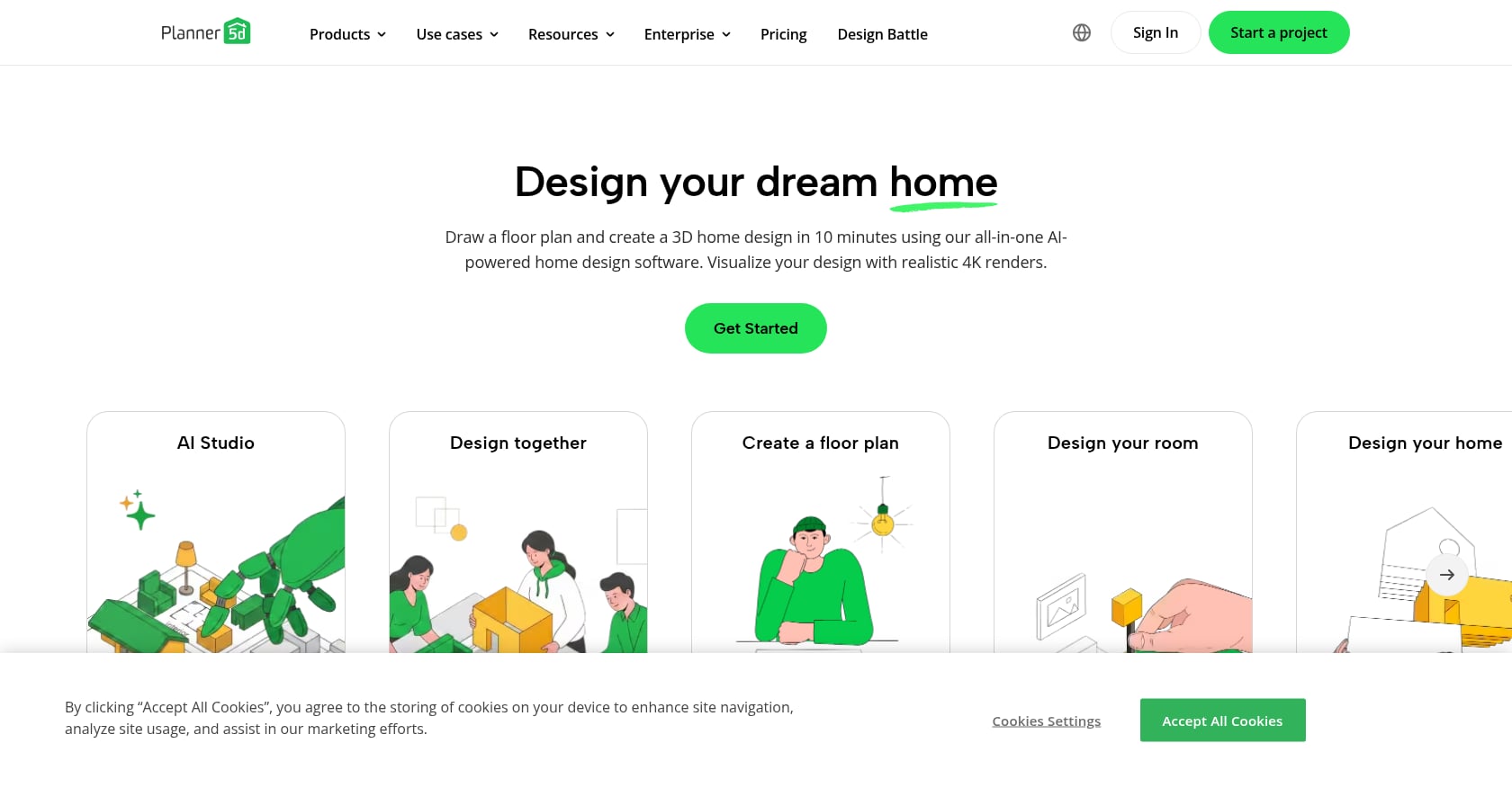
Best for: Beginners who want quick 2D/3D visualization across rooms
Price: Free to start; Premium from $19.99/month
Platform: Web, iOS, Android, Windows, macOS
Key features: Create floor plans, arrange cabinets and appliances, experiment with materials and colors, switch between 2D and 3D views
User rating: 4.2/5 on SpotsaaS, praised for realistic 3D output
Limitations:
About half the furniture catalog is locked on the free plan.
AI features require Premium.
It’s a general home design tool, not kitchen-specific, so the cabinet options feel thin.
The honest tradeoff: Broad and easy to start with, but the locked catalog frustrates anyone who gets serious. You’ll hit the paywall faster than expected.
3. Sweet Home 3D
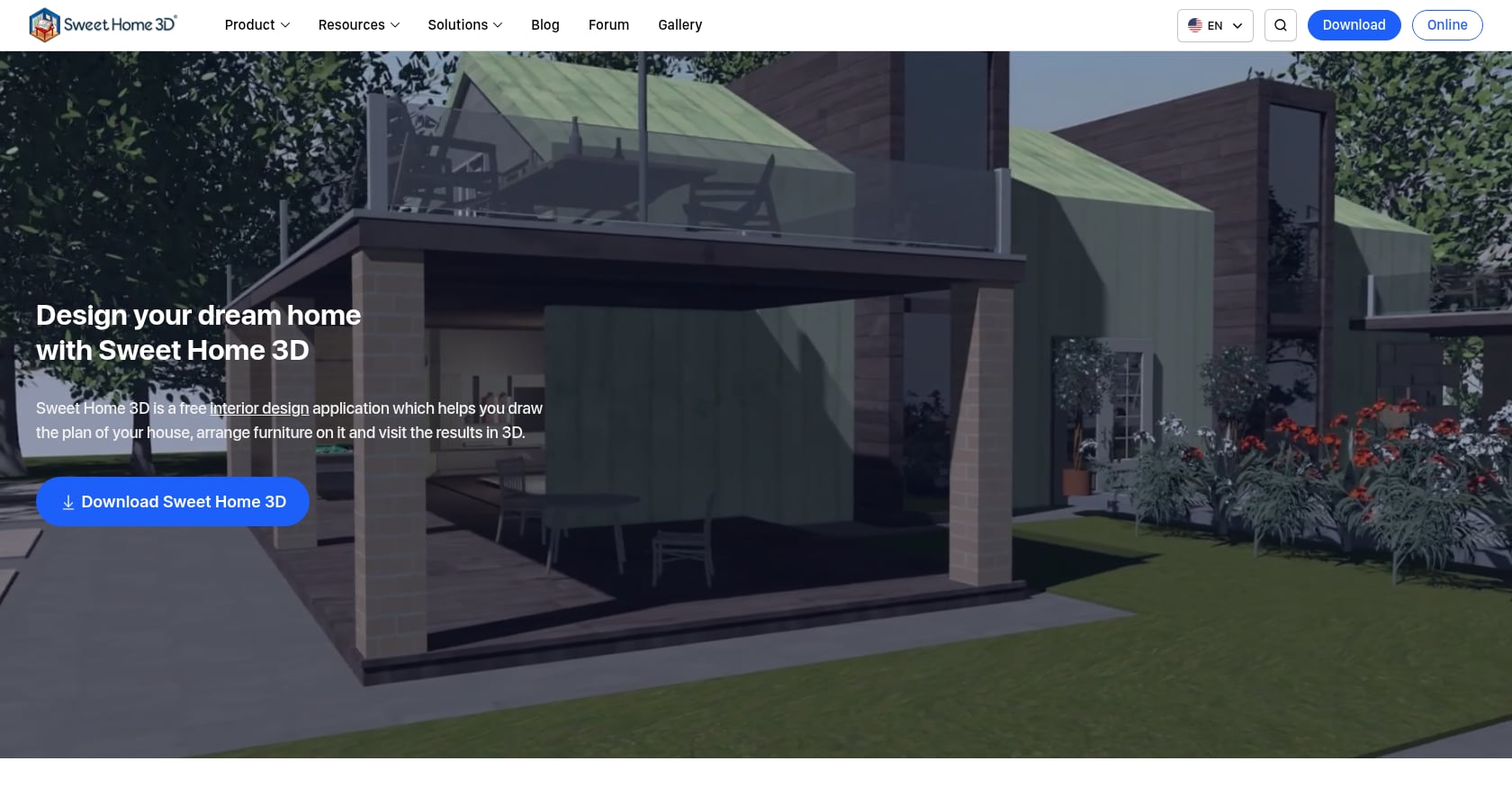
Best for: Budget-conscious users wanting full free access with zero artificial limits
Price: Completely free and open-source; optional $14.99 App Store version
Platform: Windows, macOS, Linux (downloadable, Java-based)
Key features: No feature restrictions whatsoever. Design as many projects as you want, for as long as you want.
User rating: 4.5/5 on Capterra. One reviewer called it “a great tool for someone with no drawing skills or trade knowledge. Easy to make a plan and use as a basis of discussion with trades people doing renos.”
Limitations:
The object library feels dated and needs expansion, particularly for modern kitchen appliances.
The UI isn’t intuitive for non-technical users.
No cloud sync, so you’re tied to the device you installed it on.
The honest tradeoff: Truly, genuinely free with no catch. But the dated interface and basic rendering quality remind you that you get what you pay for.
4. SketchUp Free
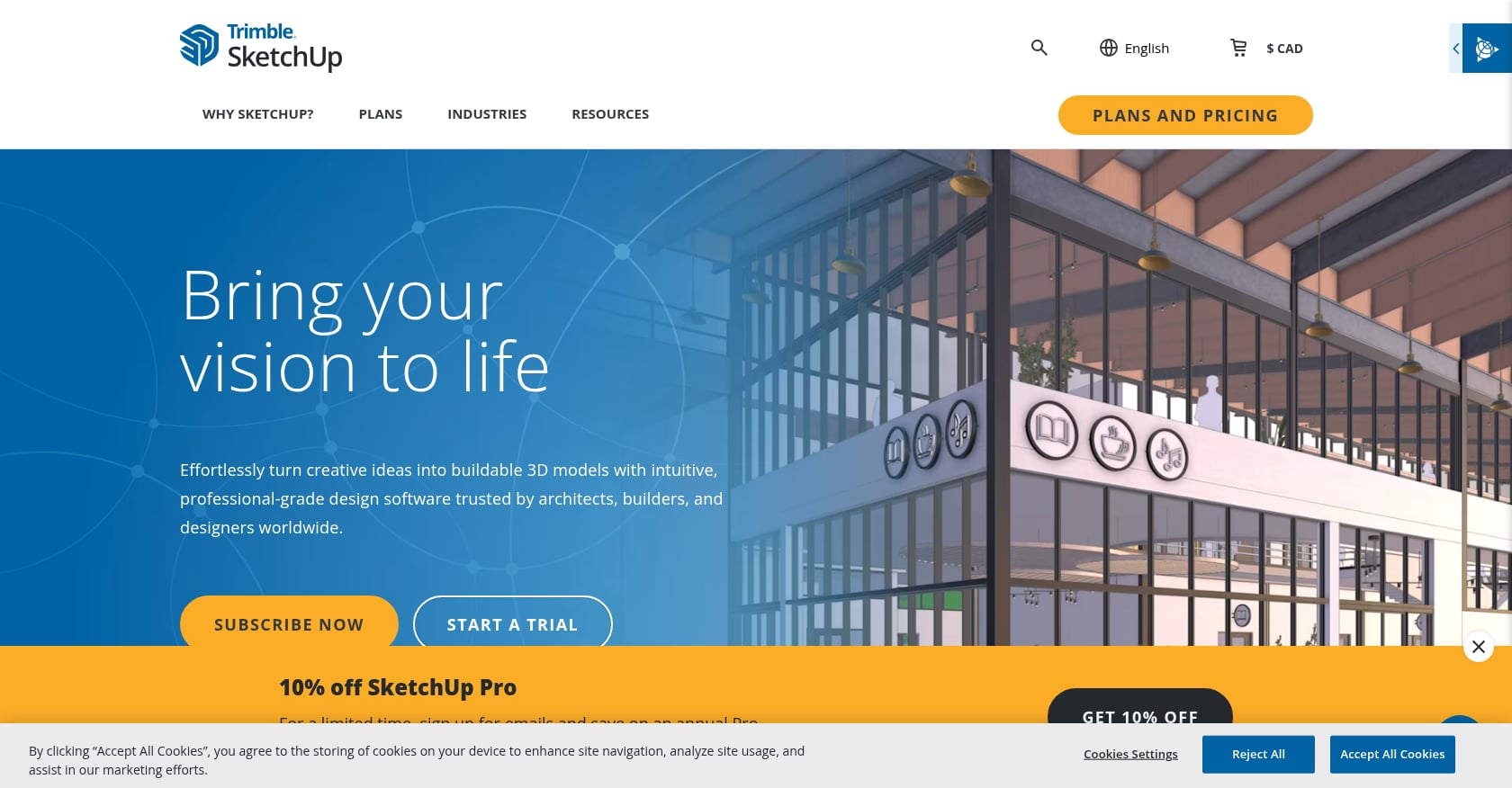
Best for: Users comfortable with 3D modeling who want total customization
Price: Free web version; paid plans from $19.99/month
Platform: Web browser
Key features: Limitless flexibility (you aren’t confined to any manufacturer’s catalog), access to SketchUp’s 3D Warehouse with thousands of pre-made models
User rating: Capterra reviewers note it’s easier to learn than tools like Revit or Rhino, but that’s a relative claim.
Limitations:
The learning curve is steep. Expect several hours before you’re productive.
The free web version restricts export formats and file storage.
Overkill for someone who just wants to see if an L-shaped layout beats a galley.
The honest tradeoff: Powerful enough to produce professional-looking results. But as one CabinetPlans.io article put it, general-purpose 3D tools are “powerful but expensive, time-consuming to learn, and overkill for cabinet builders.” That goes double for homeowners.
5. Homestyler
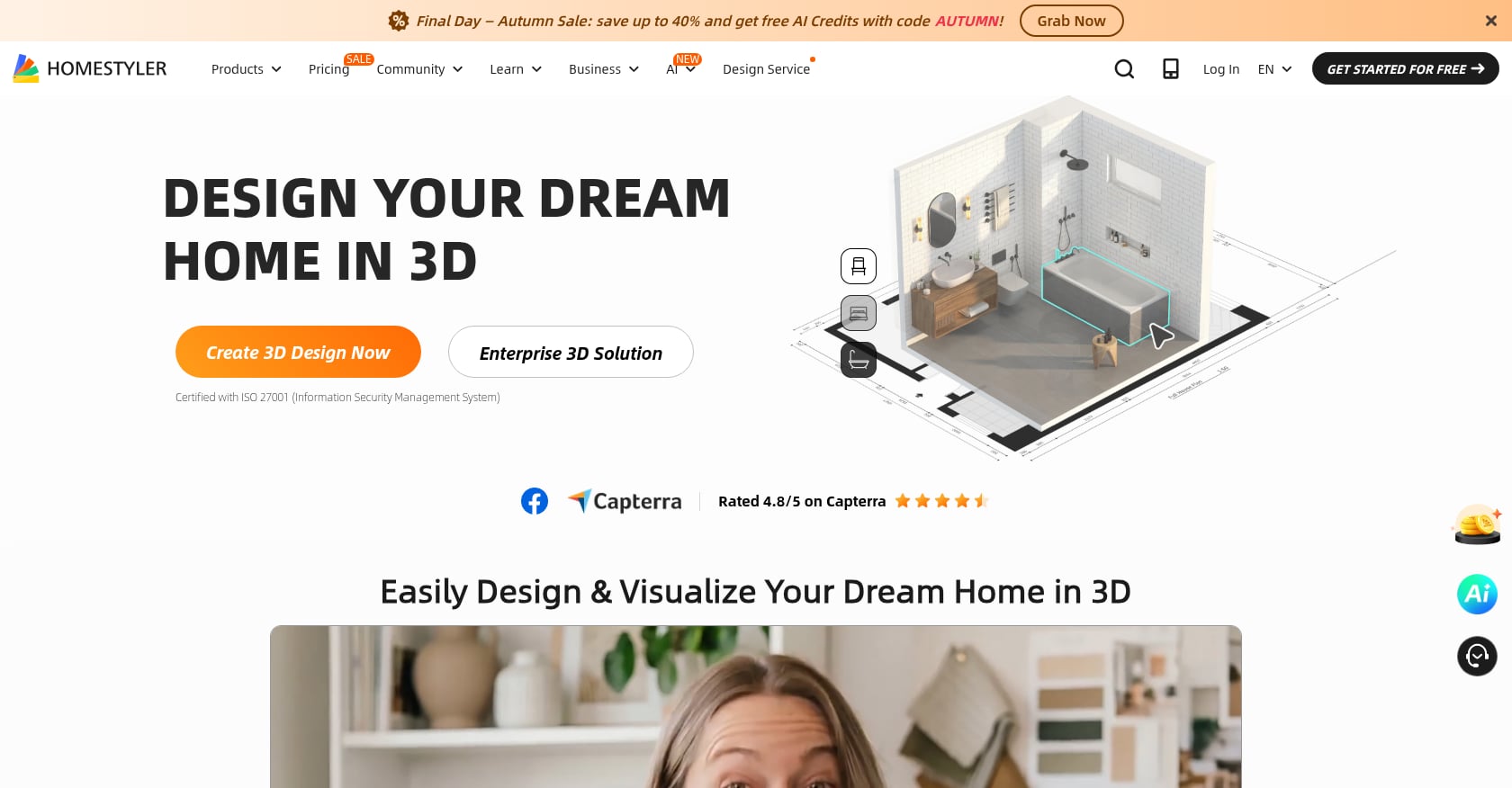
Best for: Visual experimentation with materials and finishes
Price: Free basic plan; paid tiers available
Platform: Browser-based
Key features: Generate unlimited standard-resolution images. Strong for visualizing how light, color, and textures interact, making it easy to test different countertop materials, backsplash styles, and flooring choices.
Figuring out which materials pair well matters more than most people realize. If you’re weighing countertop and cabinet combinations, our guide on matching quartz countertops with cabinets breaks down the design principles.
Limitations:
Weaker on precise measurements and cabinet specifications.
The free tier limits render quality and some export options.
Not ideal for layout planning, better for styling decisions.
The honest tradeoff: Think of it as a digital mood board with 3D capabilities. Strong for picking finishes. Weak for planning cabinet runs.
6. HomeByMe
Best for: Generating photorealistic renders to communicate a vision to others
Price: Free starter plan (2 projects, 5 HD renders); Essentials $29/month
Platform: Browser-based
Key features: The standout is rendering quality. The free plan lets you generate a limited number of high-quality, photorealistic images that look close to magazine quality.
Limitations:
You get only 5 realistic HD renders for the lifetime of your account (not per month). Deleting a project doesn’t refund the credit.
Limited to 2 projects on the free plan.
Once those renders are gone, the tool becomes significantly less useful without paying.
The honest tradeoff: Beautiful output, but the free limit is brutal. Five lifetime renders means you better be sure before you click that button. This is freemium at its most aggressive.
Best Free AI Kitchen Design Tools
AI kitchen design tools are a newer category that most existing guides haven’t covered. They work differently from traditional software: instead of building a layout from scratch, you upload a photo and the AI reimagines your space in a different style.
The important caveat, from practitioners across Reddit and design forums: AI tools generate visual ideas only. They don’t understand building codes, plumbing locations, appliance clearances, or cabinet dimensions. As one designer put it on Two30Nine.com, “AI tools can be helpful in the early stages to brainstorm ideas to bring along to your designer, but when it comes to actual design, AI can’t beat an actual designer.”
1. Remodel AI
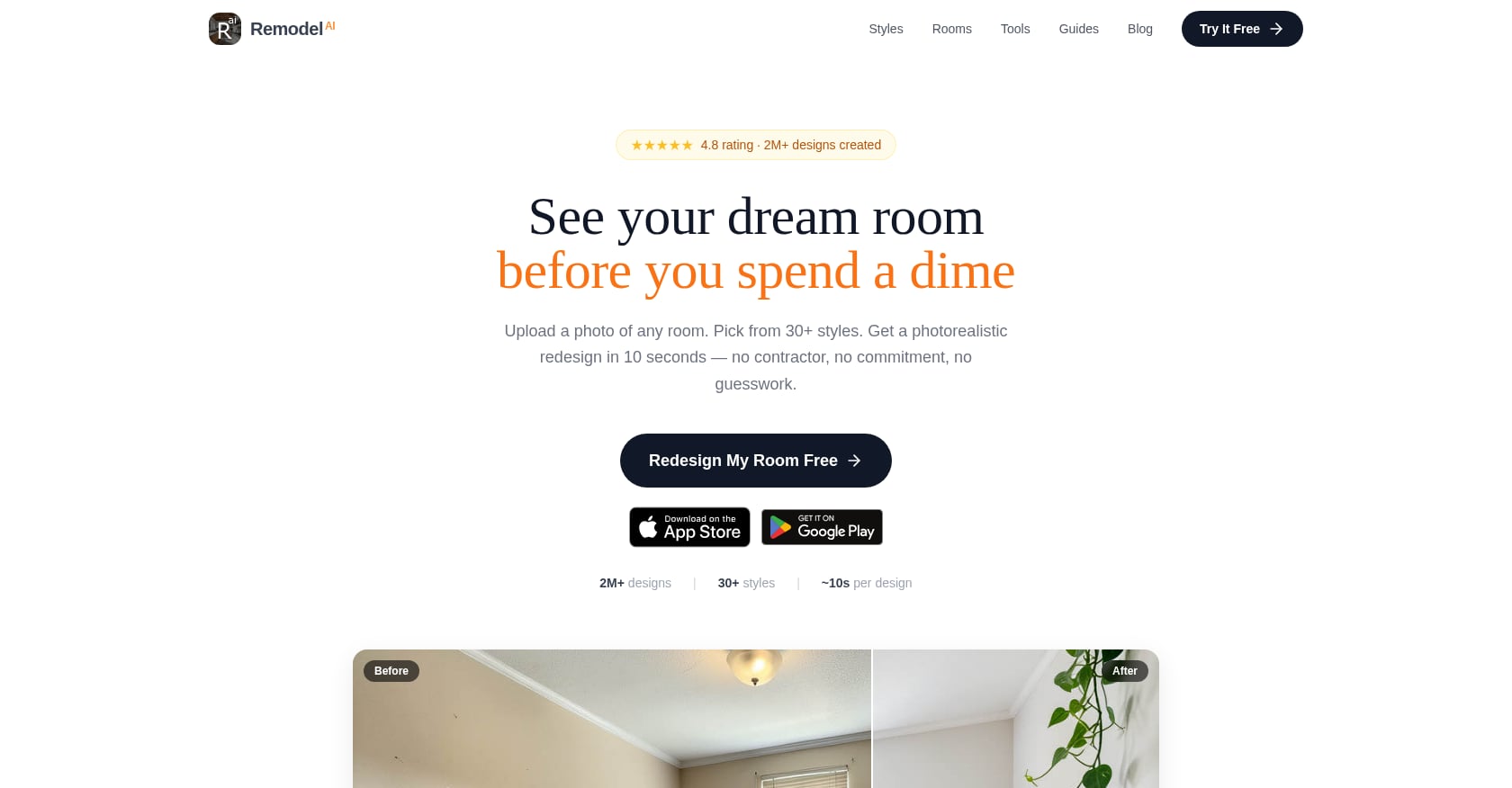
Best for: Homeowners who want to see style options based on a photo of their existing kitchen
Price: 3 full-quality redesigns with no credit card required; Pro is $29/month for unlimited generations
Platform: Web-based
Key features: Upload one photo, pick a style, and get a photorealistic redesign in about 10 seconds. Cabinet color, countertops, backsplash, flooring, and lighting all change in a single generation.
Limitations:
Produces inspiration images, not construction plans. Zero dimensional accuracy.
Cannot account for plumbing runs, electrical locations, or structural walls.
Three free generations go fast if you’re testing multiple styles.
The honest tradeoff: Think of Remodel AI as an early draft partner. It gives you clarity on what aesthetic direction you want. Then a real designer turns those ideas into something someone can build.
2. REimagineHome
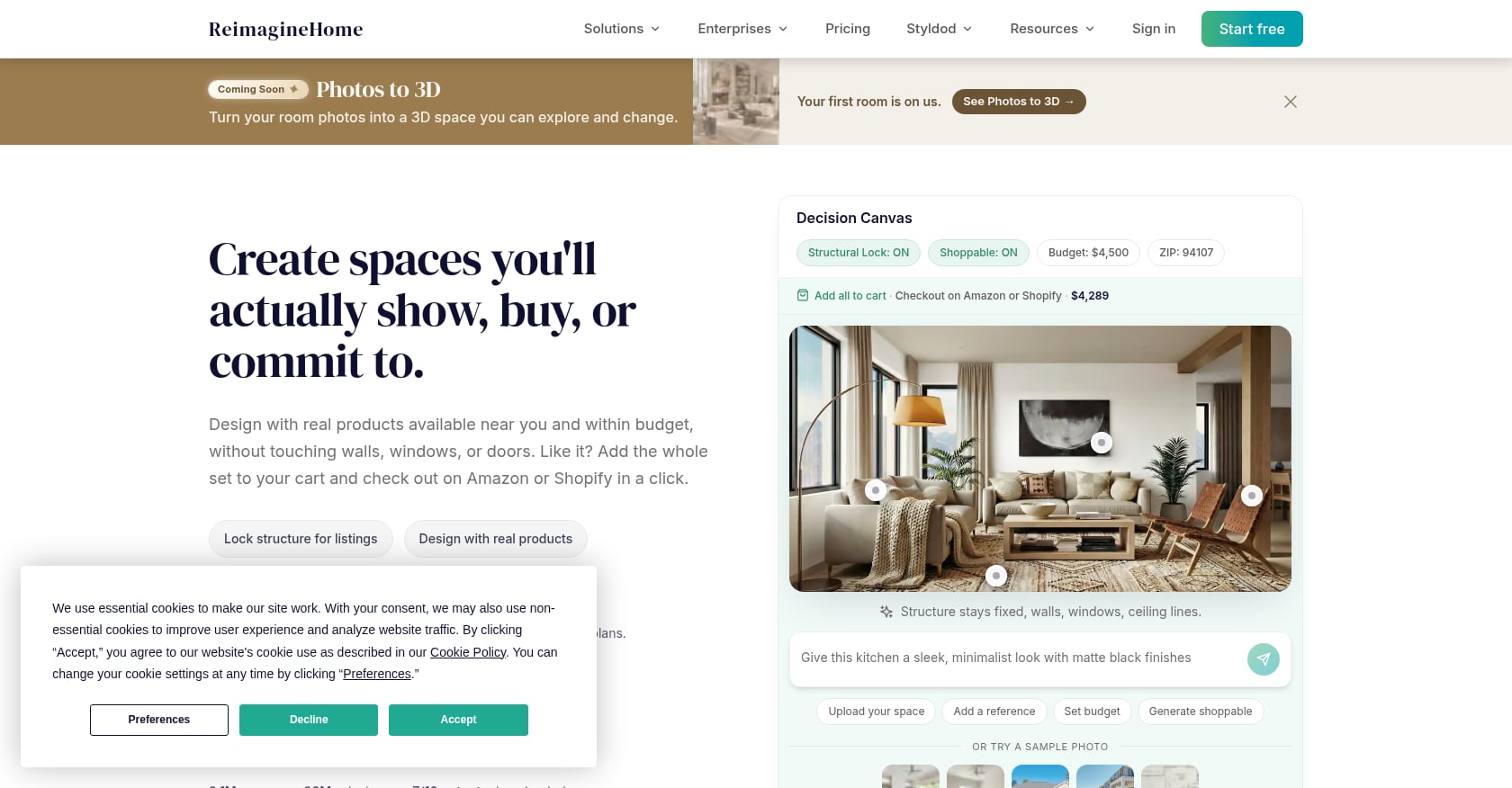
Best for: Quick style exploration on a tight budget
Price: 5 free designs without a credit card; paid Essential plan is $14/month for 30 credits
Platform: Web-based
Key features: Upload a room photo, select style preferences, and receive AI-generated redesigns
Limitations:
Fewer kitchen-specific controls compared to Remodel AI. You steer with presets and chat-based edits.
No official phone app.
Results can feel generic for complex kitchen layouts.
Community discussions summarized by CognitiveFuture.ai note that among the growing crop of AI design tools, many users on Reddit warn against KitchenGPT specifically because of unrealistic results and confusing layout logic. REimagineHome gets better marks for usability, but shares the fundamental limitation of every AI tool: it produces mood boards, not blueprints.
Free Kitchen Design Services from Retailers
1. Big-Box Stores (Lowe’s and Home Depot)
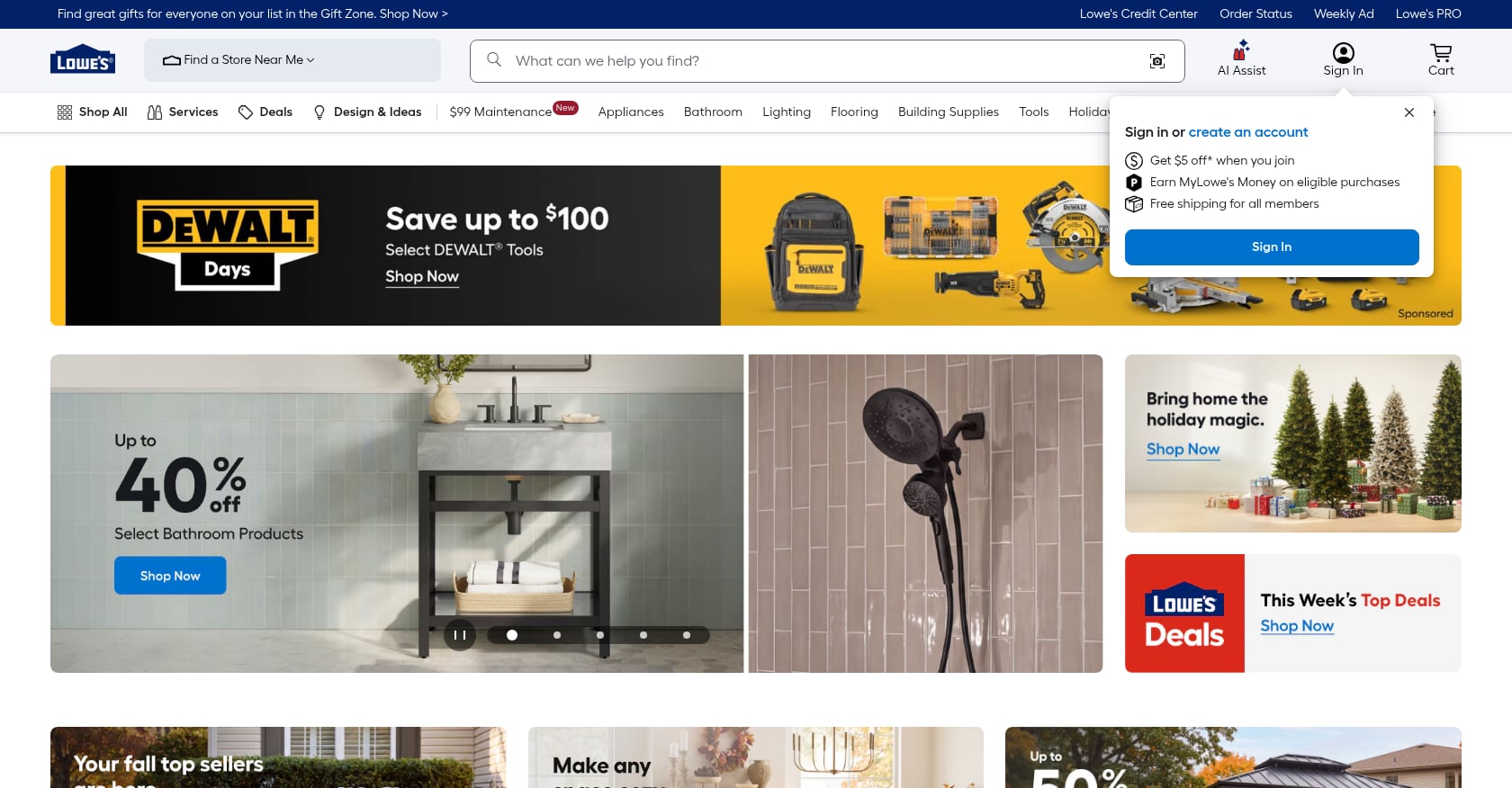
Best for: Homeowners who want convenient, one-stop design and shopping
Price: Free, both in-store and virtual consultations
How it works: During your virtual or in-store appointment, a designer will discuss your current kitchen, dream layout, style preferences, materials, and colors. No purchase obligation. You don’t have to buy installation to use the design service.
Limitations:
Designer quality varies wildly by location. Forum users report that some are experienced professionals, while others are essentially clicking buttons in software.
Designs are tied to the store’s product catalog, limiting options.
Multiple homeowners on Reddit and remodeling forums report getting quotes from Lowe’s and Home Depot but ultimately finding that local kitchen design centers offered better quality, pricing, and service.
Installation horror stories are common in online forums.
For a deeper comparison of what big-box stores offer versus dedicated suppliers, see our big-box cabinet alternative guide.
The honest tradeoff: Convenient and truly free. But you’re designing within a limited product universe, and the quality of your experience depends entirely on which designer you happen to get.
When Free Kitchen Design Tools Are Enough (and When They’re Not)
Free tools work well for:
Early inspiration. Testing whether you prefer an L-shape, U-shape, or galley layout.
Style exploration. Seeing how white shaker cabinets look with dark countertops.
Communicating ideas. Showing a contractor or designer your general vision.
Free tools fall short for:
Final cabinet ordering. Floor planner tools focus on visuals, not construction. They don’t generate cabinet parts lists or account for material thickness and joinery.
Plumbing and electrical coordination. No consumer tool checks whether your sink drain aligns with existing plumbing or whether your island has adequate electrical runs.
Filler and spacer planning. Professional designs account for the small pieces that make cabinets fit walls perfectly. Miss these, and you get visible gaps or cabinets that don’t close properly.
The risk of skipping professional design is real. Measurement errors from DIY design lead to wrong cabinet orders, restocking fees (which are common in the industry), and project delays that cost more than the design would have. For a full rundown of what goes wrong, check our list of common kitchen remodel mistakes.
How to Get the Most from Free Kitchen Design
The smartest approach combines free tools with professional expertise. Here’s the workflow that experienced remodelers actually follow:
Step 1: Start with a tool for inspiration. Use IKEA Planner, Homestyler, or an AI tool like Remodel AI to explore styles and layouts. Don’t worry about precision at this stage.
Step 2: Measure your kitchen accurately. Before any design can be finalized, you need exact wall dimensions, window and door placements, plumbing locations, and electrical outlet positions. This step is where most DIY designs fail.
Step 3: Bring your ideas to a professional designer. Take your sketches, screenshots, or AI-generated images to a supplier offering free design. They’ll translate your vision into a buildable plan.
Step 4: Get a construction-ready 3D rendering before ordering anything. This is your last chance to catch errors. A proper 3D rendering from professional software shows exact cabinet placements, filler pieces, and how everything fits together.
This DIY-to-professional handoff is the actual journey most homeowners take, but almost no guide talks about it. The free tools and the free professional service aren’t competitors. They’re sequential steps.
Once your design is locked, the next question is usually cost. Our 10×10 kitchen cabinet cost breakdown gives you a realistic budget baseline. And if you want to understand the full remodel sequence from design through completion, our kitchen remodel checklist maps every phase.
Frequently Asked Questions
Is there a truly 100% free kitchen design tool?
Yes. Sweet Home 3D is completely free and open-source with no feature restrictions, paywalls, or account limits. IKEA Kitchen Planner is also fully free, though it only works with IKEA products. Most other tools advertised as “free” are actually freemium, locking catalogs, renders, or exports behind paid plans.
Can AI design my kitchen?
AI can reimagine your kitchen’s appearance in seconds, which is useful for deciding on a style direction. But AI tools don’t understand building codes, plumbing constraints, structural walls, or cabinet dimensions. They produce visual concepts, not construction plans. Use them for inspiration, then bring those ideas to a professional.
What’s the difference between DIY design software and a professional kitchen designer?
DIY software lets you place objects in a virtual room. Professional design accounts for cabinet filler pieces, appliance clearances, the work triangle, plumbing and electrical coordination, and exact product specifications from real inventory. The output from professional design can be handed directly to a contractor or used to generate a purchase order.
Do cabinet suppliers charge for kitchen design?
Many trade-focused cabinet suppliers offer free kitchen design as part of their service. Krafter’s Land, for example, provides complimentary design and quotes with 2020 Design files and 3D renderings at their Washington showrooms. The design is free whether or not you purchase from them.
How accurate do my kitchen measurements need to be?
Extremely accurate. Even a quarter-inch error can result in cabinets that don’t fit, requiring returns, restocking fees, and project delays. Measure wall to wall (not baseboard to baseboard), note the exact position of windows, doors, plumbing, and electrical outlets, and measure everything twice.
Should I use a big-box store’s free design service or a local supplier’s?
Both are free, but the quality differs. Big-box store design quality varies dramatically by location and individual designer. Local cabinet suppliers that specialize in kitchen products typically offer more experienced designers, broader product options, and better attention to detail. Forum users consistently report better outcomes from local specialists.
When is DIY kitchen design software sufficient?
DIY tools are sufficient when you’re in the early planning stages, exploring layouts, or trying to communicate a general vision. They’re not sufficient when you’re ready to order cabinets, finalize specifications, or coordinate with contractors. At that point, you need construction-ready plans from a professional.
What should I bring to a free kitchen design consultation?
Bring accurate room measurements (including ceiling height, window and door dimensions, and plumbing/electrical locations), photos of your current kitchen, any inspiration images or screenshots from tools you’ve used, your budget range, and a general idea of the style you want. The more information you bring, the more useful the consultation will be.
Get a free kitchen design quote at a Krafter’s Land showroom →